Roomba and a bullhorn.
Why the hell not?
Written by

Read time
4 minutes
Category
Here’s how we used AI to bring a ridiculous idea to life.
I think most designers know this feeling. You have a great idea you’re excited about, but as you work within the time and budget, you have to start making compromises and there goes your cool idea. So what is one to do? AI tool assistance to the rescue!
This particular idea was a bullhorn riding a Roomba, shouting marketing buzzwords around someone’s home office. Normally, I’d have settled for whatever stock footage came closest (it’s slim pickings out there). This time, we used AI video to get much closer to what I pictured. Getting there took more than typing a prompt and hitting generate.
The brief and the idea
Brand Truths is our social series where we share what we believe about branding and give people something to weigh in on. This one was about AI, and the brief came to me as copy only: "AI can write a hundred posts… AI can't decide."
My first thought was automation. What’s something that runs on its own, but doesn’t necessarily do the job the way you’d want? A Roomba came to mind. I pictured it bumping around a room while a person could just grab a vacuum and get on with it. That gave me a metaphor to build around.
Then came the bullhorn. Give that little vacuum a loud voice, and suddenly it’s wandering around someone’s office yelling marketing buzzwords. It’s automated, it’s loud, and someone still needs to tell it what the hell it’s doing. That was the joke.
Making it work on paper first
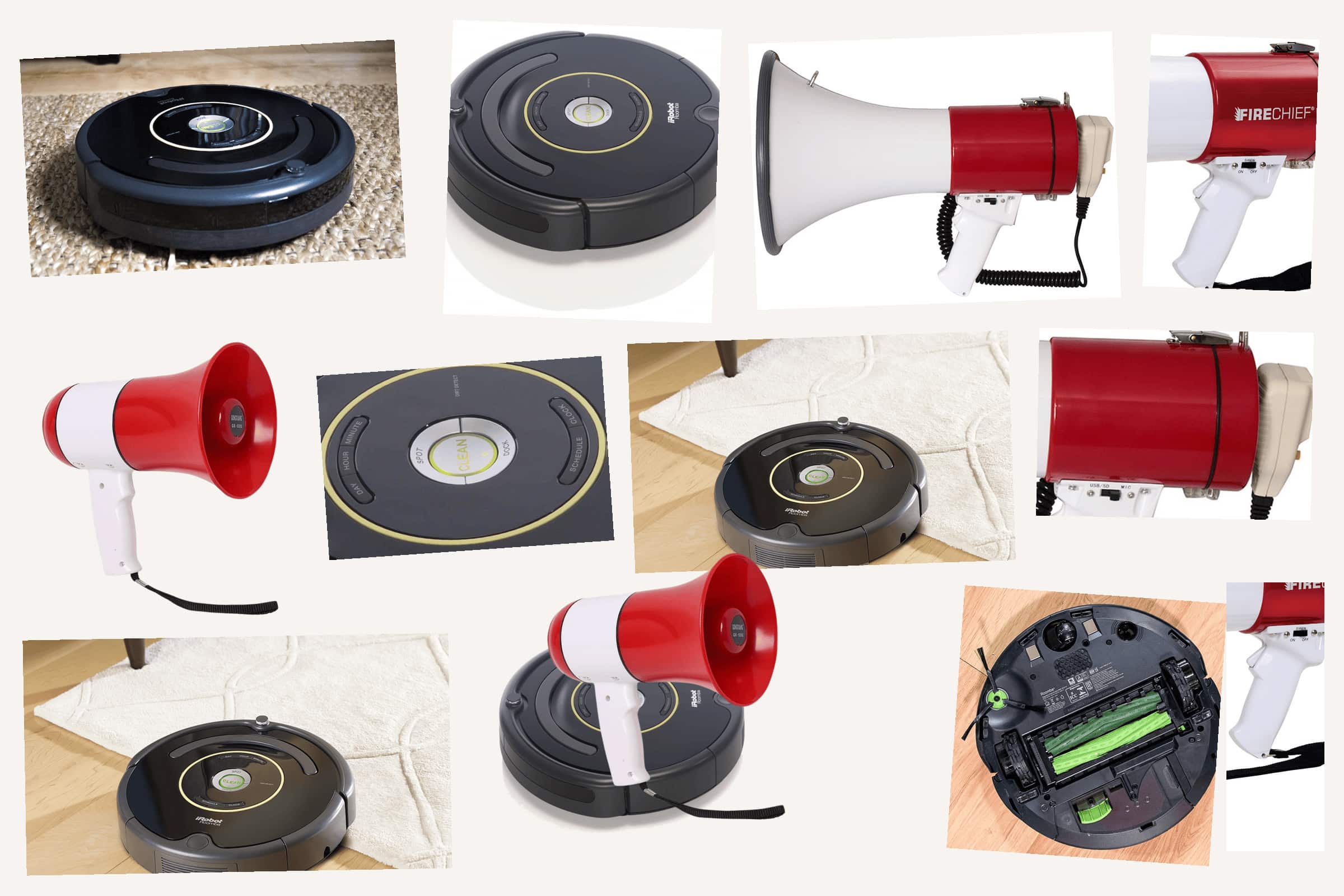
I started in Photoshop, putting the two objects together before trying to generate anything. How big should the bullhorn be? Where would the cable go? Does it even need a cable? I wanted those details worked out so I had a reference for each shot.
Then I wrote the pitch, made a shot list and storyboarded it in Figma. The scene was an ordinary home office with hardwood floors and someone trying to work while the Roomba bumped around behind them.
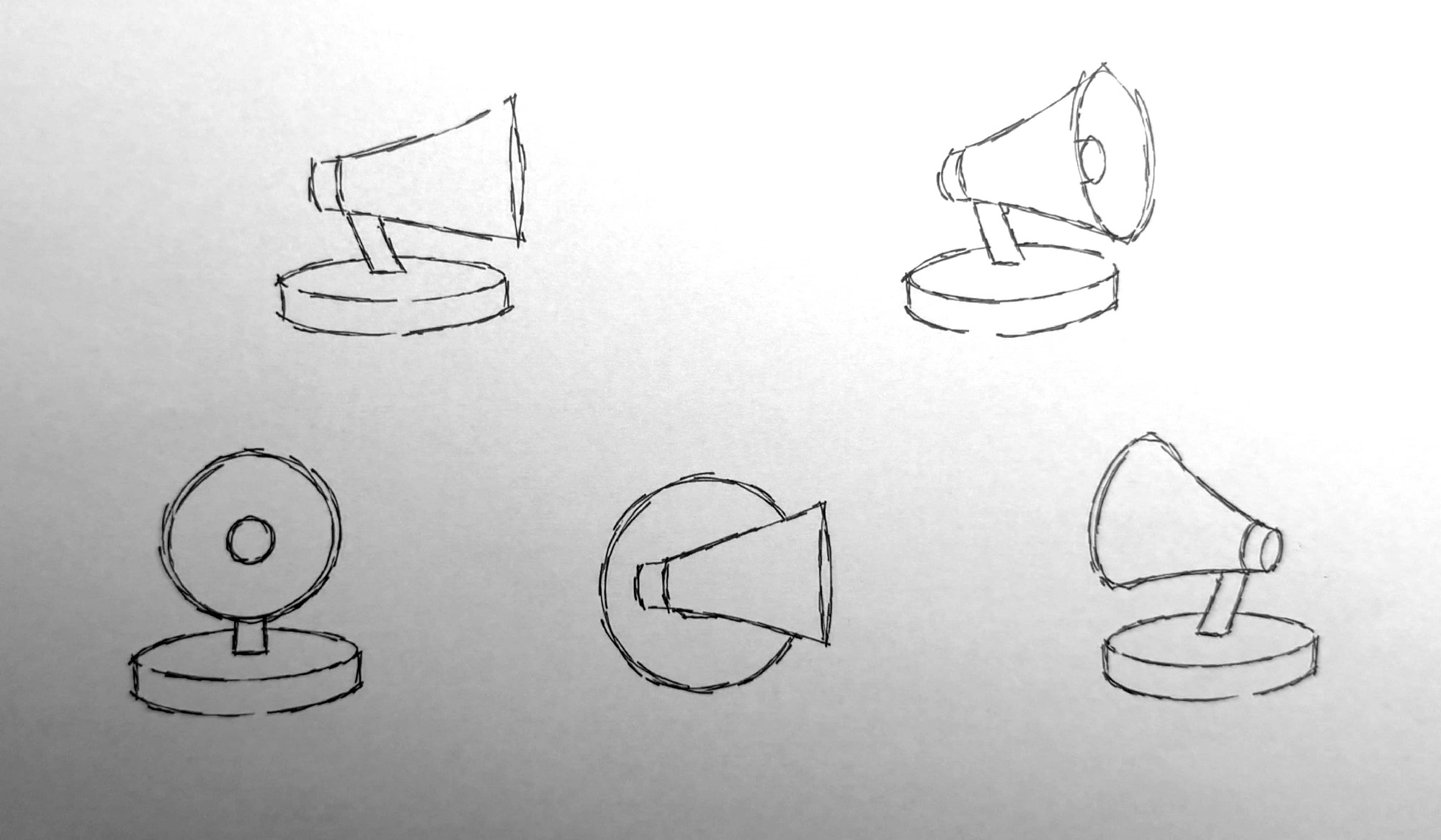
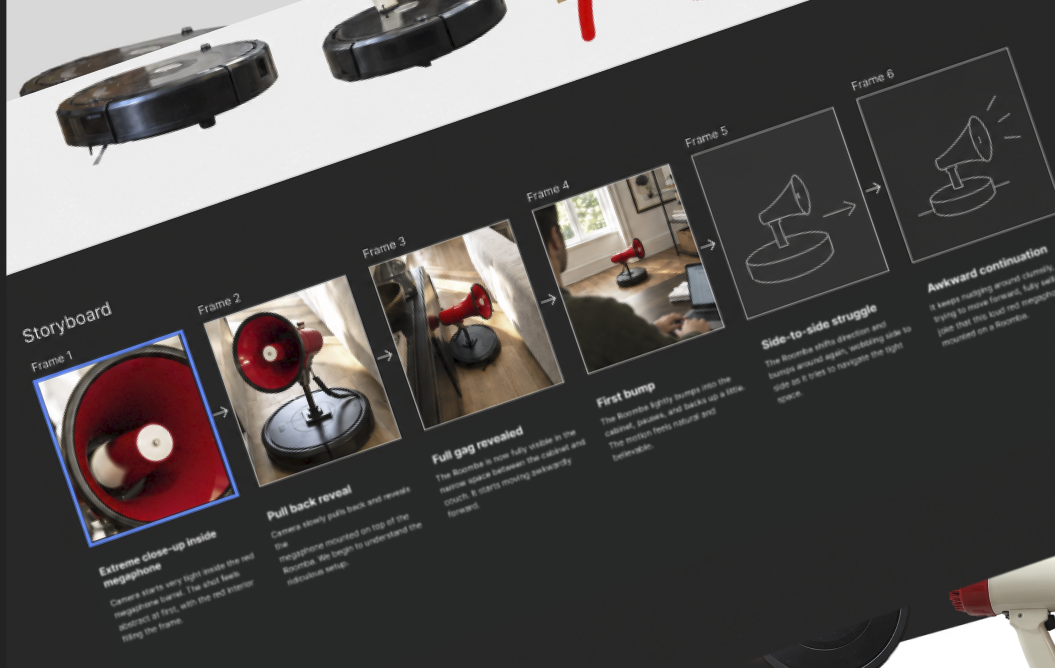
Even if the concept is ridiculous, the execution can't be random. The storyboard gives the joke structure.
Generating it
The challenge was getting AI to follow the scene I had already designed. That meant being specific about the objects, their proportions, the room and the camera angle.
Even with my Photoshop composite as a reference, Gemini kept changing those details. The bullhorn’s scale was off, the objects changed or the room looked wrong. I ended up generating the room separately, then compositing the Roomba and bullhorn into it myself in Photoshop. That gave me more control over the stills I would use for the video.
I used Grok to animate those stills, which introduced another round of problems. Bullhorns blended into each other, and getting a usable shot took repeated attempts.
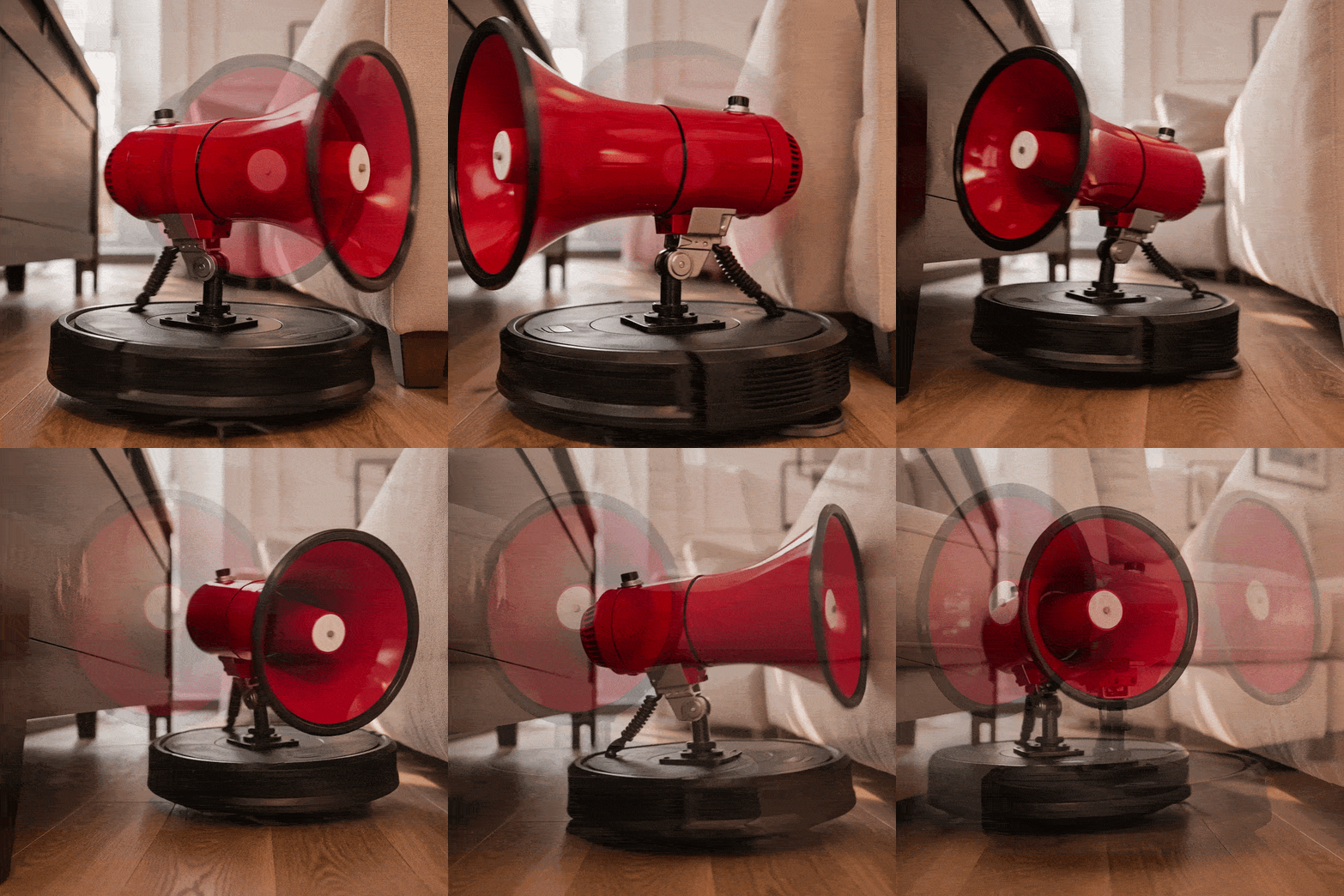
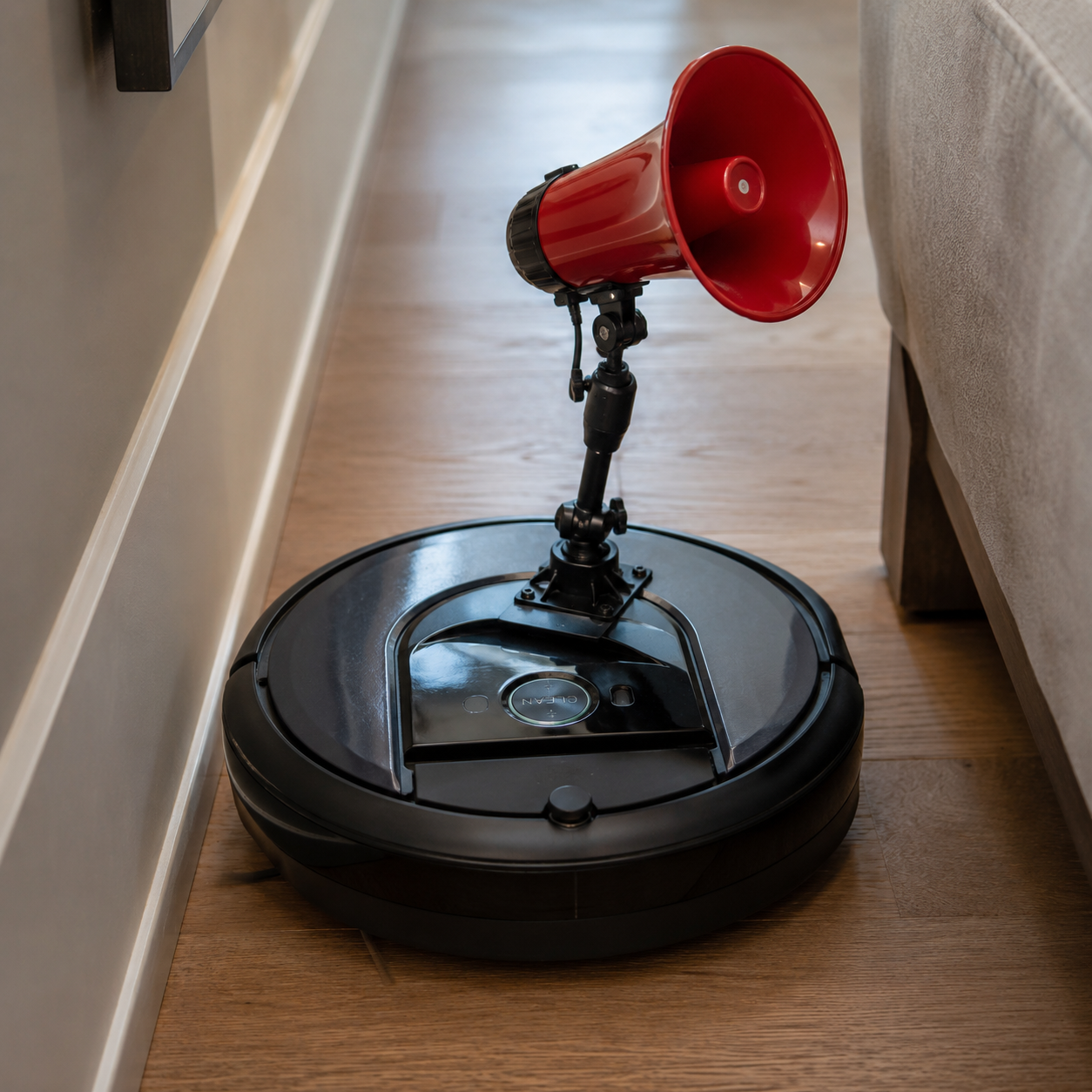
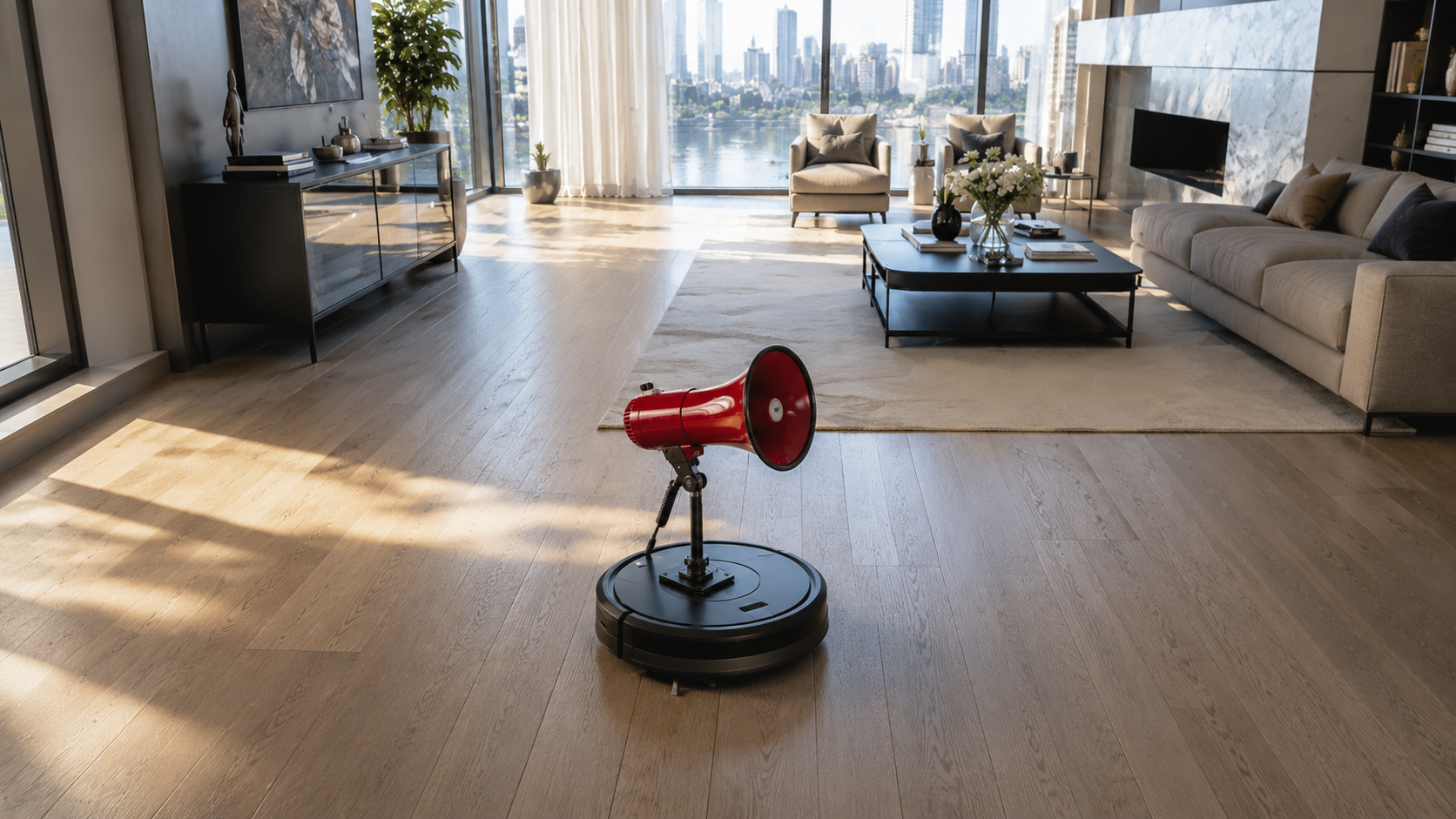
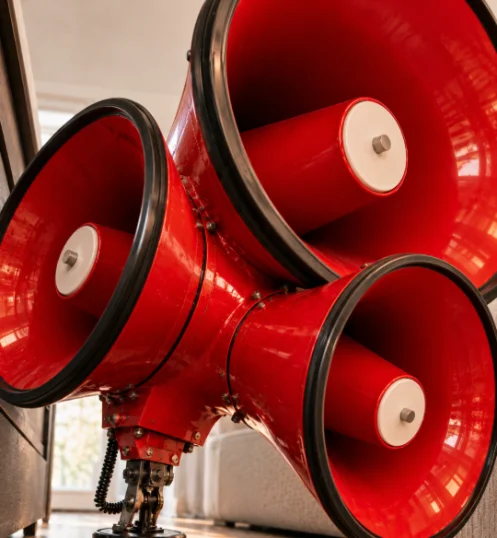
The first usable clip took two to four tries. Once the prompt and camera style worked, the rest was plug and play, and that's what kept every shot consistent.
The edit and the sound
With the clips ready, it was time to edit. Each was about ten seconds long, but I only needed the parts that helped tell the story. In After Effects, I played with the timing and switched between shots to keep things moving. The video needed to be punchy and visually entertaining, even with the sound off. Once I was happy with the sequence, I added animated type and an end card.
Then came the sound. I pulled sound effects from Artlist for all the little details: the Roomba bumping into furniture, the keyboard clicks, the hum of the motor. I picked a silly music track from its library to set the mood, then used its text-to-speech tool with a robot filter to get that flat, monotone voice shouting “strategic direction.”
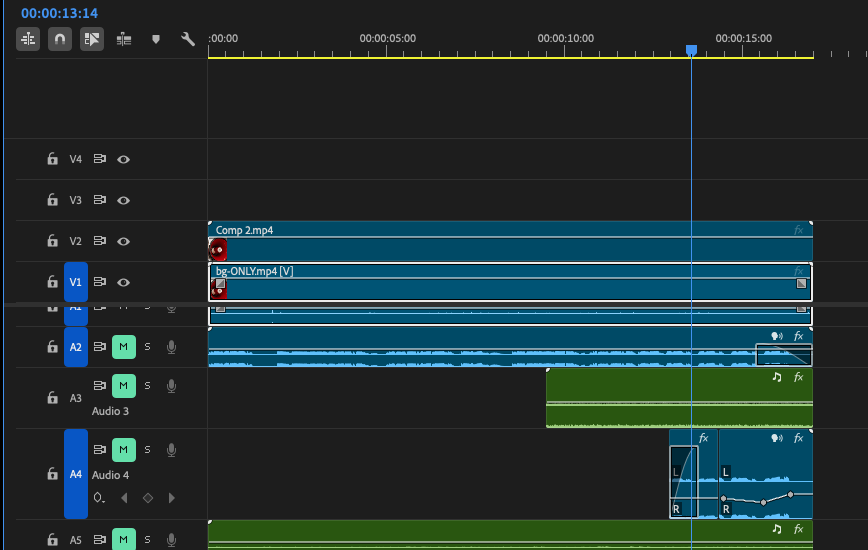
Finally, I brought it into Premiere Pro and adjusted the levels so the sounds worked together. The voice needed to come through, the little noises needed room, and the music couldn’t overpower everything. The Roomba already looked annoying, but the sound made it feel like something you’d hate having in your office.
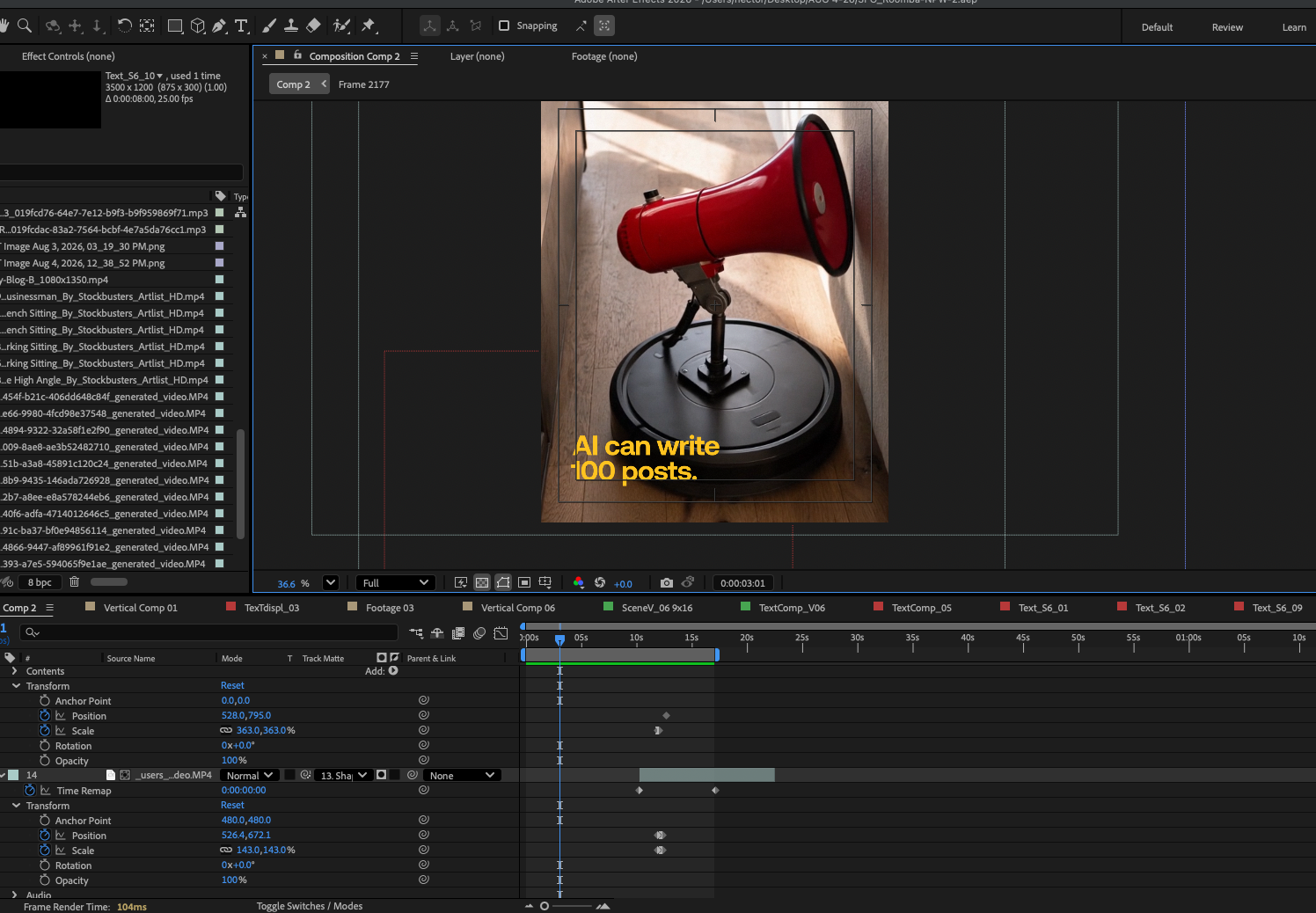
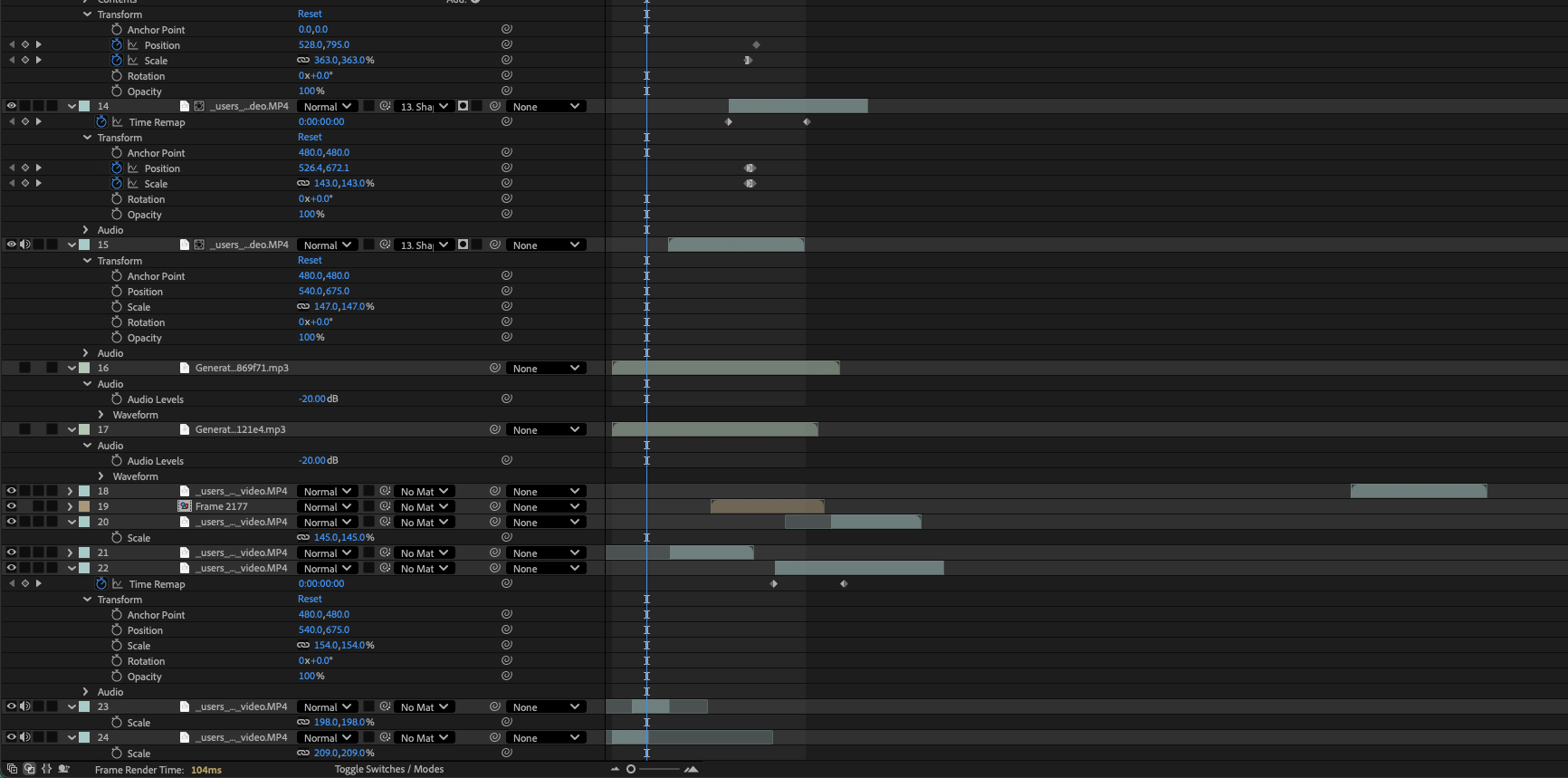
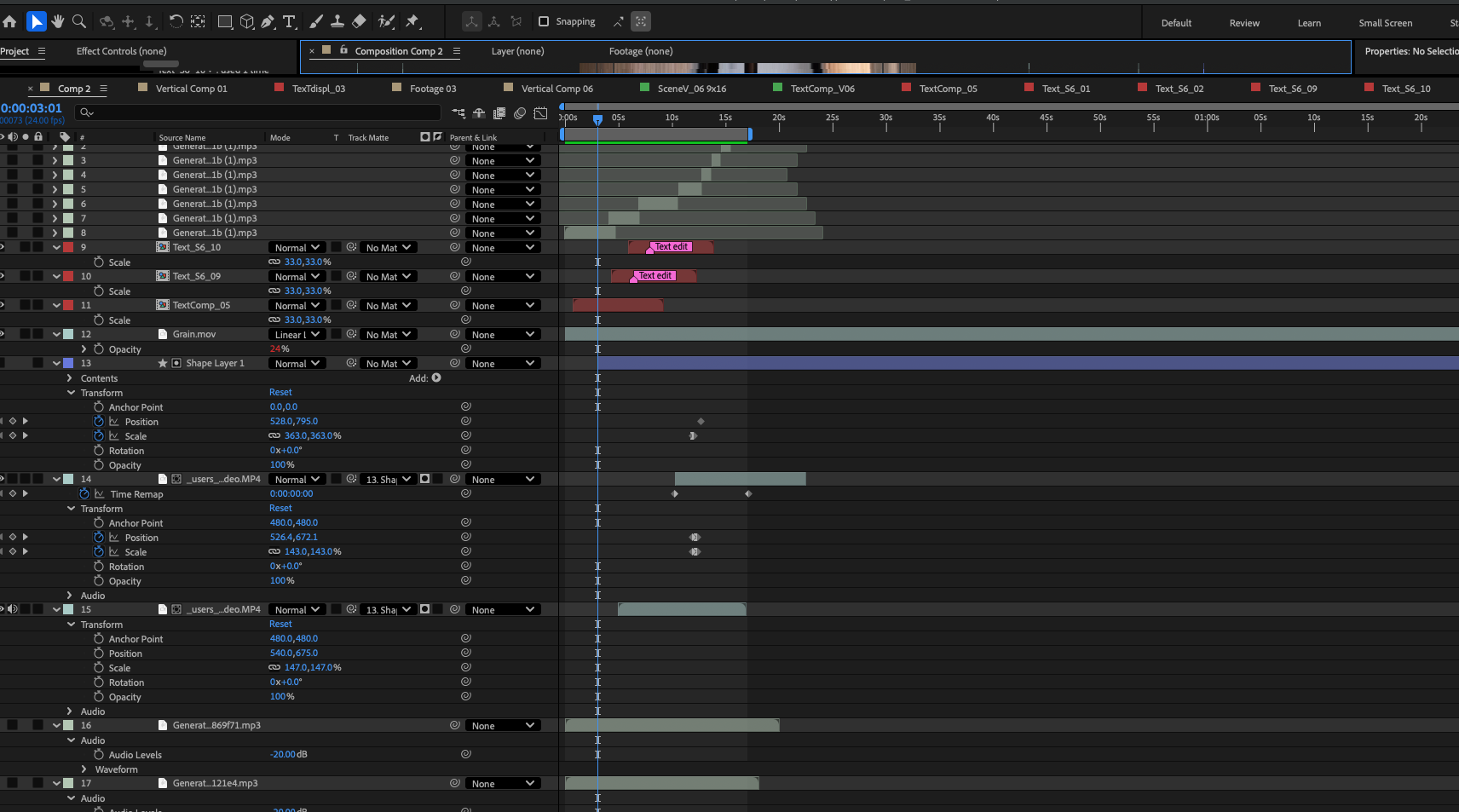
What I'd tell another designer
Make the idea work before you prompt. Sketch it, storyboard it. AI isn’t doing the work for you. The idea, direction, and final decisions are still yours.
Whatever you leave out, AI fills in. AI is just a dumb tool so be thorough. Pretend you’re describing the scene to someone over the phone who can’t see what you’re picturing. Be specific.
Expect to fix things by hand. Getting close isn’t the same as getting it right. I still had to composite images, cut around glitches and adjust the sound. Plan for that work.
This took Photoshop, Figma, Gemini, Grok, After Effects, Artlist and Premiere Pro. AI helped me make the ridiculous version I had in mind, but I still had to know what to keep, what to fix and when the joke landed. Human-in-the-loop is where the design experience and craftsmanship came in. Otherwise, I’d just have a folder full of weird Roomba videos.
More
insights
©2026 300FeetOut All Rights Reserved | Open Positions | Privacy Policy